

Most founders still waste weeks building a website AI could generate in minutes. AI website builders have transformed web development from a months-long technical project into a rapid deployment process.
The shift from traditional coding to AI-powered platforms represents one of the most significant changes in how businesses establish their digital presence.
Market data reveals the rapid adoption of AI web development tools across industries globally. More businesses globally reported using generative AI for website and app development. This adoption rate continues accelerating as tools improve and awareness grows among business leaders.
For CEOs and business owners, choosing between free and paid AI website builders carries strategic implications. Speed determines competitive positioning in fast-moving markets where first-mover advantage matters. Security protects customer data and brand reputation from increasingly sophisticated threats.
Brand consistency reinforces recognition across touchpoints and builds trust with audiences. Performance directly impacts conversion rates and revenue outcomes through user experience quality.
This comprehensive comparison examines both approaches to AI-powered web development for modern businesses. We’ll explore capabilities, limitations, and real-world applications that inform strategic decisions. Working with an experienced website building agency partner can accelerate your development while ensuring professional quality. Let’s explore how AI website builders are reshaping the web development landscape.
What Are AI Website Builders?
AI website builders represent platforms that use artificial intelligence to design, build, and optimize websites automatically. These systems analyze your inputs and generate functional websites with minimal manual effort required. The technology has evolved from simple template systems to sophisticated platforms that make intelligent design decisions.
How AI Website Builders Work Today
AI-driven platforms that build, design, and optimize websites operate through three primary stages. First, they collect information about your business, brand, and goals through conversational interfaces. Second, their AI engines process this data to make design and structure decisions.
Third, they generate complete websites with layouts, content, and functionality ready for deployment. The input phase captures essential details through structured forms or natural language conversations. You describe your business type, target audience, and desired features without technical terminology.
Long-term ownership of code eliminates platform dependency and vendor lock-in risks completely. Your business controls its digital assets without restrictions or ongoing platform fees. Companies implementing AI tools reported 76% improvements in development speed and 47% reductions in costs.
Processing happens invisibly as algorithms evaluate thousands of design options simultaneously. The system considers color theory, layout psychology, and conversion optimization principles automatically. It selects combinations most likely to achieve your stated objectives based on proven patterns.
The Two Categories: No-Code AI Builders vs AI Coding Assistants
No-code AI platforms combine drag-and-drop interfaces with AI-powered suggestions for optimal results. Users visually arrange elements while AI recommends layouts, colors, and content structure. These platforms prioritize ease of use over technical flexibility for founders without coding backgrounds.
AI coding assistants take a fundamentally different approach by generating actual code through natural language. Tools like GitHub Copilot, Cursor, Reply Agent, and Claude generate HTML, CSS, and JavaScript. Developers or technically skilled founders direct these assistants through prompts describing desired functionality.
The distinction matters because each category serves different business needs and technical capabilities. No-code AI platforms excel at speed and simplicity for non-technical users. AI coding assistants deliver customization and scalability for businesses with development resources or technical founders.
Free AI Website Builders
1. Framer
Description: Framer is a professional design and prototyping tool that has evolved into a powerful website builder with AI capabilities. It combines visual design freedom with the ability to generate layouts and content using AI prompts.
Pros:
- Intuitive visual interface with professional design capabilities
- AI-powered layout and content generation
- Responsive design built-in with breakpoint controls
- Strong animation and interaction features
- Free tier includes hosting and custom domain support
- Modern, clean code output
Cons:
- Steeper learning curve compared to simpler builders
- Free plan has Framer branding
- Limited CMS features on free tier
- Can be overwhelming for complete beginners
2. Webflow
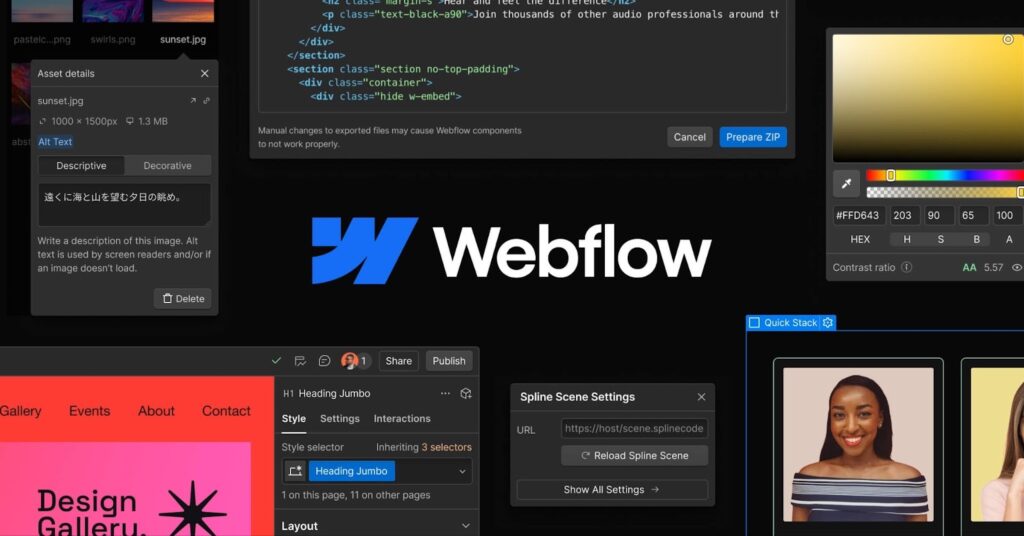
Description: Webflow is a visual web development platform that bridges the gap between design and code. It offers AI-assisted design features and allows you to build professional, responsive websites without writing code.
Pros:
- Professional-grade design control and flexibility
- Clean, semantic code generation
- Powerful CMS and e-commerce capabilities
- Extensive template library
- Strong community and learning resources
- AI copilot for design assistance
Cons:
- Free plan limited to 2 pages
- Webflow branding on free sites
- Significant learning curve
- Limited functionality without paid plans
- Can be complex for simple websites
3. Dorik AI
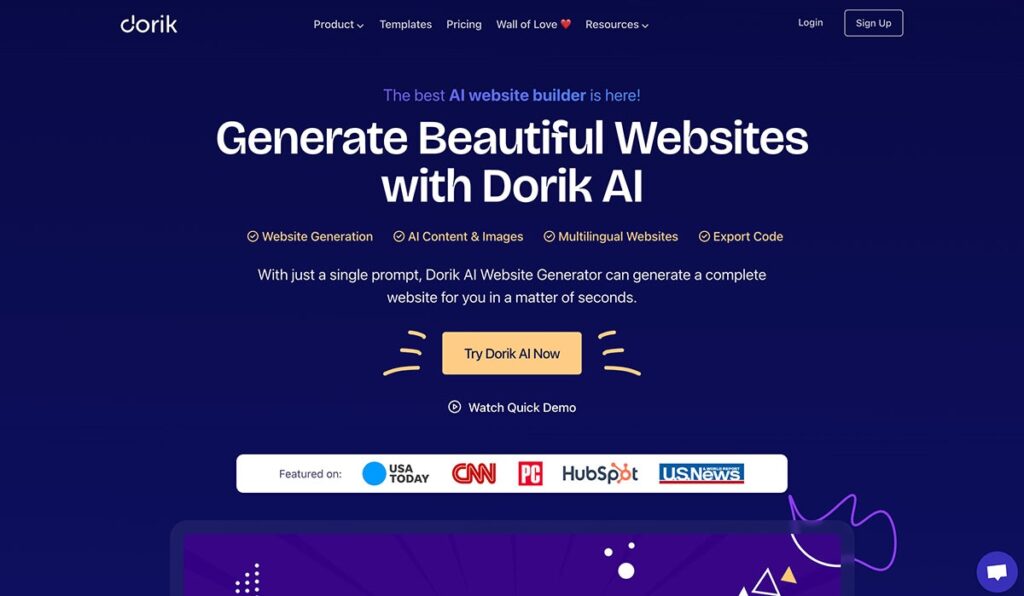
Description: Dorik AI is a straightforward website builder that uses artificial intelligence to generate complete websites from text descriptions. It focuses on simplicity and speed for creating landing pages and business websites.
Pros:
- Extremely fast website generation from prompts
- User-friendly interface for beginners
- AI generates content and images
- Clean, modern templates
- Free plan available for basic sites
- Good for landing pages and portfolios
Cons:
- Limited design customization compared to professional tools
- Free plan has storage nd bandwidth limits
- Fewer advanced features than competitors
- AI-generated content may need refinement
- Limited e-commerce capabilities
4. Mixo
Description: Mixo is an AI website builder specifically designed for startups and entrepreneurs who need to launch landing pages quickly. It generates entire websites in seconds based on a brief business description.
Pros:
- Incredibly fast website generation (under 60 seconds)
- Built-in email collection and subscriber management
- AI writes all copy and content
- Mobile-responsive designs
- Good for MVP and product validation
- Simple, streamlined interface
Cons:
- Very limited customization options
- Primarily focused on landing pages, not full websites
- Free tier is trial-based with limitations
- Generic design aesthetic
- Limited SEO control
- Not suitable for complex websites
5. Durable
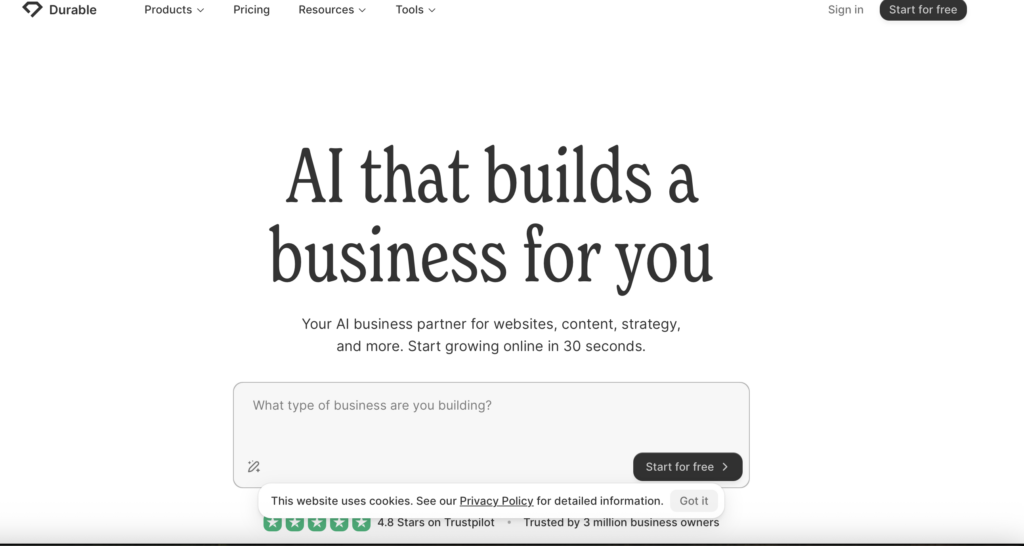
Description: Durable uses AI to build complete business websites in under 30 seconds. It’s designed for small business owners who need a quick online presence without technical knowledge.
Pros:
- Extremely fast website creation
- AI generates business-specific content and images
- Built-in tools for invoicing and CRM
- Simple interface perfect for non-technical users
- Mobile-optimized designs
- Industry-specific templates
Cons:
- Very limited design flexibility
- Free plan is restrictive
- Basic features compared to professional builders
- Cookie-cutter designs can look generic
- Limited scalability for growing businesses
- Fewer integrations than competitors
Paid AI Website Builders
1. 10Web
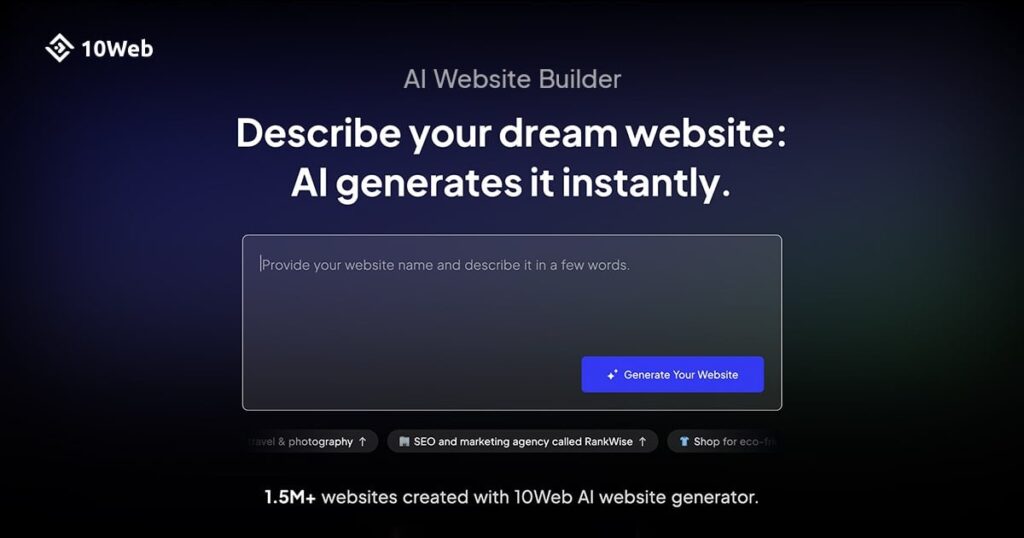
Description: 10Web is an AI-powered WordPress website builder and hosting platform. It recreates existing websites or builds new ones from scratch using AI, while providing managed WordPress hosting.
Pricing: Starting at $10/month
Pros:
- Leverages WordPress ecosystem and plugins
- AI can recreate any existing website
- Automated performance optimization
- Managed hosting included
- Strong SEO capabilities
- PageSpeed Booster built-in
- Good for e-commerce with WooCommerce
Cons:
- Requires some WordPress knowledge for advanced features
- Monthly subscription required
- Can be overkill for simple sites
- AI-generated designs may need manual refinement
- Pricing increases with traffic
2. Wix AD
 I
I
Description: Wix’s Artificial Design Intelligence (ADI) creates personalized websites by asking users questions about their preferences and business needs. It’s one of the most established AI website builders on the market.
Pricing: Starting at $17/month for basic plans
Pros:
- Very user-friendly for beginners
- Extensive app marketplace (800+ apps)
- Strong e-commerce features
- Good SEO tools
- 24/7 customer support
- AI handles design and content
- Comprehensive business tools included
Cons:
- Can’t switch templates after publishing
- Ads on lower-tier plans
- Less design freedom than professional tools
- Page loading speeds can be slower
- Higher pricing for advanced features
- Vendor lock-in (can’t export site easily)
3. Hostinger Website Builder
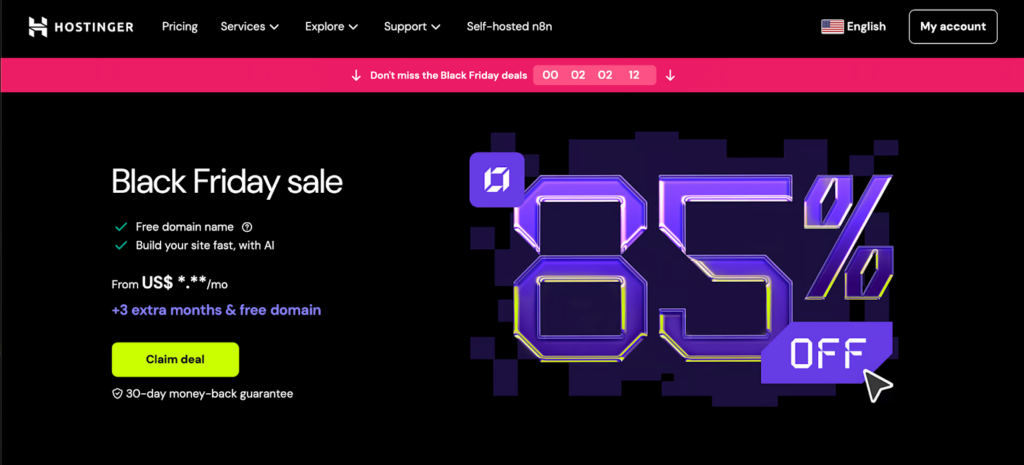
Description: Hostinger’s AI-powered website builder combines affordability with intelligent design features. It uses AI to generate websites quickly while offering hosting, domain, and email in one package.
Pricing: Starting at $2.99/month (promotional pricing)
Pros:
- Very affordable pricing
- AI generates complete websites from descriptions
- Includes hosting and free domain
- Fast loading speeds
- Simple drag-and-drop editor
- Good value for money
- AI writer for content generation
Cons:
- Fewer templates than competitors
- Limited advanced customization
- Smaller app ecosystem
- Basic e-commerce features on lower tiers
- Less brand recognition than major players
- AI features still developing
4. Squarespace

Description: Squarespace is known for beautiful, designer-quality templates and has integrated AI features including content generation and design assistance. It’s popular among creatives and small businesses.
Pricing: Starting at $16/month (annual billing)
Pros:
- Stunning, award-winning templates
- AI-powered content generation (Squarespace AI)
- All-in-one platform (hosting, domain, email)
- Excellent for portfolios and creative businesses
- Strong blogging platform
- Good e-commerce features
- Professional customer support
Cons:
- Less flexibility than some competitors
- Learning curve for advanced features
- Can be expensive for basic needs
- Limited third-party integrations
- Template switching requires rebuilding
- AI features newer and less developed
5. Shopify
Description: While primarily an e-commerce platform, Shopify has integrated AI tools including Shopify Magic for content generation, product descriptions, and website building assistance specifically for online stores.
Pricing: Starting at $39/month
Pros:
- Industry-leading e-commerce platform
- AI generates product descriptions and marketing copy
- Comprehensive payment processing
- Extensive app ecosystem (8,000+ apps)
- Excellent inventory management
- Strong mobile commerce features
- 24/7 support
Cons:
- More expensive than general website builders
- Overkill if you’re not selling products
- Transaction fees on lower tiers (if not using Shopify Payments)
- Customization requires learning Liquid templating
- Monthly costs can add up with apps
- Focused on commerce, not general websites
No-Code Platforms
1. Bubble
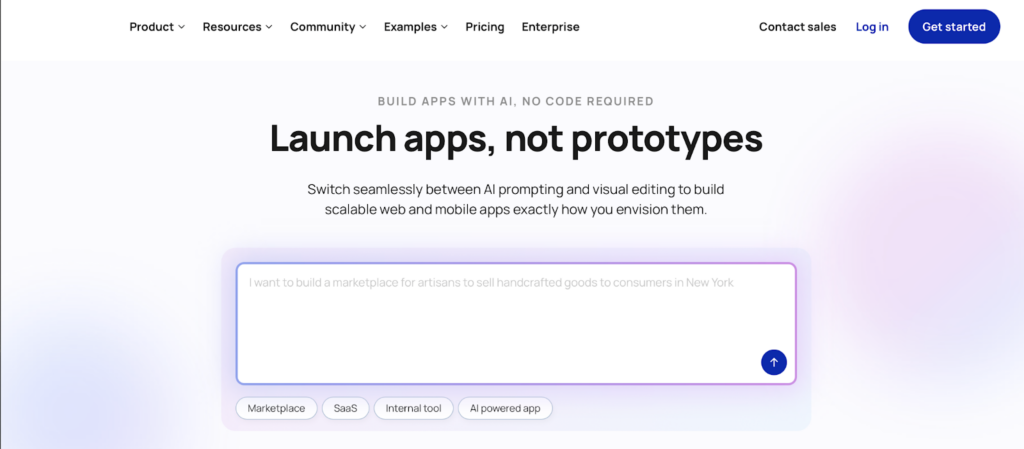
Description: Bubble is a powerful visual programming platform that lets you build complex web applications without code. It’s ideal for creating startups, SaaS products, and interactive web apps.
Pricing: Free tier available; paid plans from $29/month
Pros:
- Build fully functional web applications
- Complete database and backend functionality
- Powerful workflow automation
- API integrations and custom plugins
- Scalable for complex projects
- Active community and marketplace
- No coding required for advanced features
Cons:
- Steep learning curve
- Performance can lag with complex apps
- Free tier has Bubble branding and limitations
- Requires time investment to master
- Can become expensive as you scale
- Not ideal for simple websites
2. Adalo
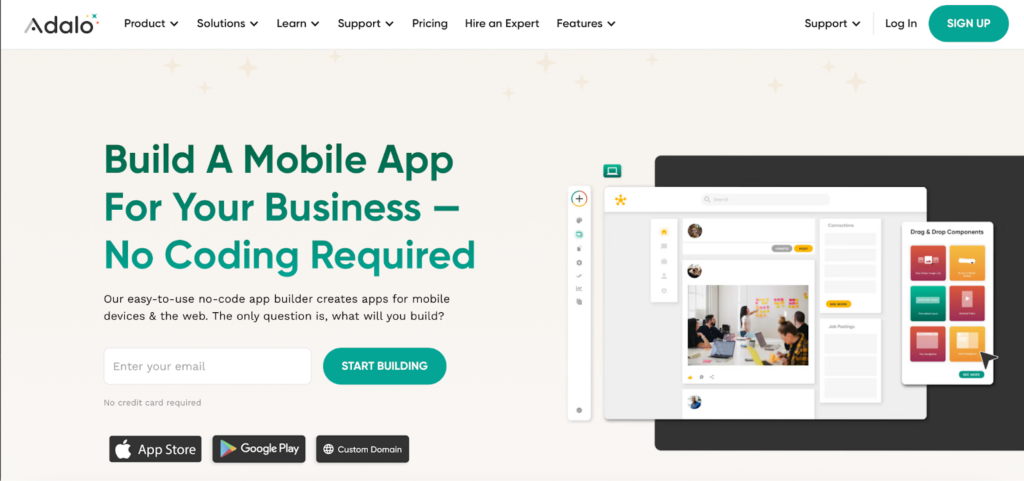
Description: Adalo specializes in building mobile and web apps without code. It’s particularly strong for creating marketplace apps, social networks, and business tools with custom functionality.
Pricing: Free tier available; paid plans from $36/month
Pros:
- Build native mobile apps (iOS and Android)
- User-friendly drag-and-drop interface
- Built-in database and user authentication
- Publish directly to app stores
- Pre-built components and templates
- Good for MVPs and prototypes
Cons:
- Limited customization compared to code
- Performance issues with complex apps
- Free plan has significant limitations
- Can’t export code
- Branding on free tier
- Learning curve for advanced features
3. Glide
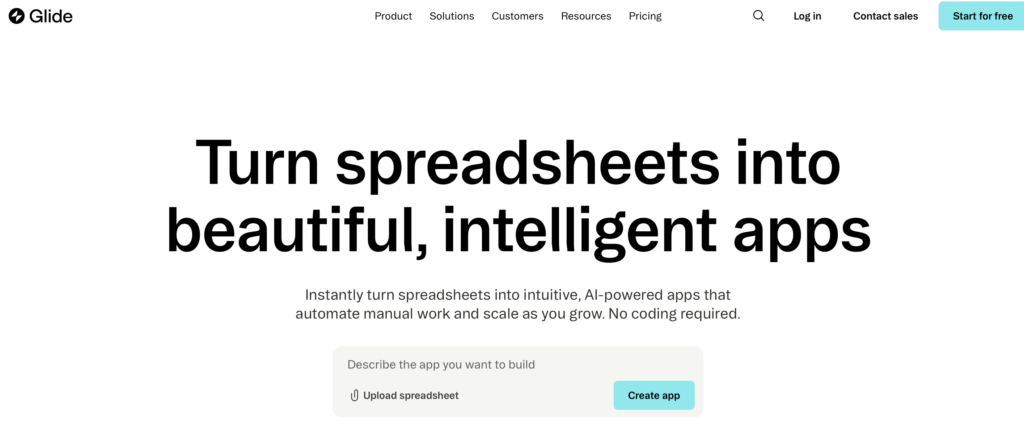
Description: Glide transforms spreadsheets (Google Sheets) into beautiful mobile and web apps. It’s perfect for internal tools, directories, and data-driven applications without database complexity.
Pricing: Free tier available; paid plans from $25/month
Pros:
- Incredibly fast app creation from spreadsheets
- No learning curve if you know spreadsheets
- Beautiful, modern interfaces
- Real-time data synchronization
- Great for business tools and internal apps
- Cost-effective solution
- AI-powered features for data handling
Cons:
- Limited to spreadsheet-based data structure
- Not suitable for complex applications
- Performance depends on spreadsheet size
- Free tier is quite limited
- Less flexibility than full no-code platforms
- Scaling can be challenging
4. Softr
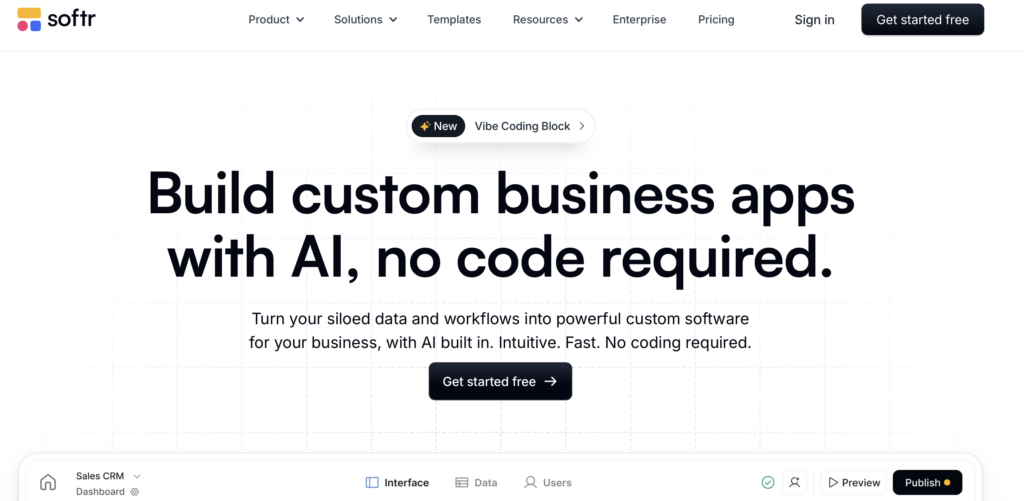
Description: Softr turns Airtable bases or Google Sheets into professional websites and web apps. It’s designed for creating client portals, membership sites, and internal tools quickly.
Pricing: Free tier available; paid plans from $49/month
Pros:
- Fast setup with pre-built blocks
- Seamless Airtable integration
- User authentication and permissions
- Professional templates
- No-code conditional logic
- Good for membership sites and portals
- Clean, modern designs
Cons:
- Dependent on Airtable or Google Sheets
- Limited design customization
- Free plan has Softr branding
- Not ideal for complex applications
- Can get expensive for multiple projects
- Learning curve for advanced features
5. Webflow
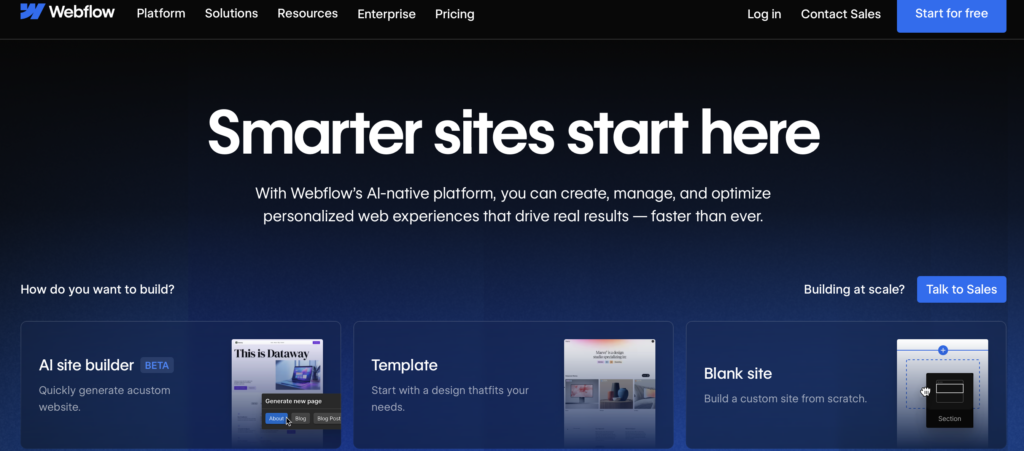
Description: (Also listed above) Webflow serves dual purpose as both an AI website builder and a no-code platform, offering visual development that generates clean, production-ready code.
Pricing: Free tier available; paid plans from $14/month
Pros:
- Professional-grade design control
- Clean, exportable code
- Powerful CMS and interactions
- No coding required for complex sites
- Strong hosting infrastructure
- Excellent for client work
Cons:
- Significant learning curve
- Can be expensive for agencies
- Free plan very limited
- Overkill for simple projects
- Requires design knowledge for best results
AI Coding Assistants
1. GitHub Copilot
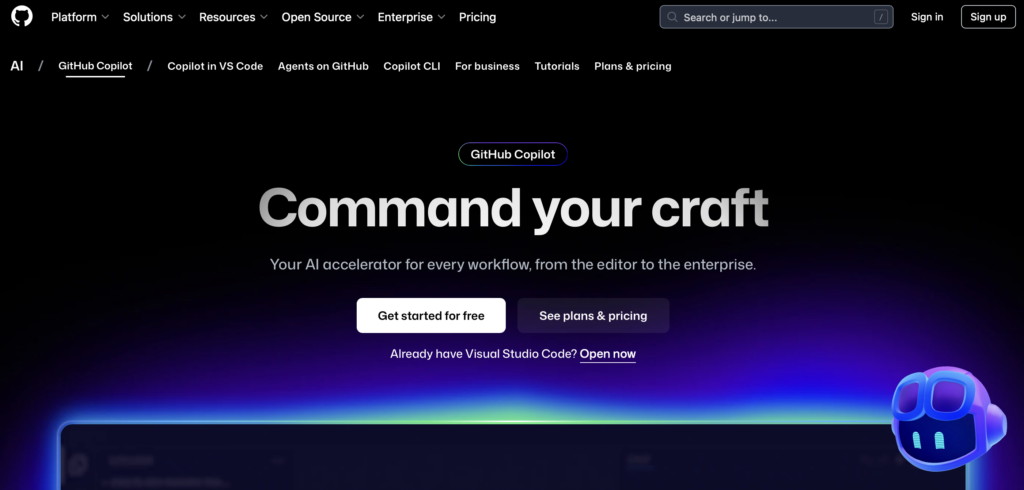
Description: GitHub Copilot is an AI pair programmer powered by OpenAI Codex. It suggests code and entire functions in real-time within your code editor, supporting dozens of programming languages.
Pricing: $10/month for individuals; $19/month for businesses
Pros:
- Integrates directly into VS Code and other IDEs
- Supports virtually all programming languages
- Learns from your coding style
- Suggests entire functions and algorithms
- Speeds up development significantly
- Regular updates and improvements
- Strong documentation generation
Cons:
- Requires existing coding knowledge
- Suggestions aren’t always optimal
- Monthly subscription cost
- Can suggest outdated patterns
- Privacy concerns for proprietary code
- Requires internet connection
- May reinforce bad coding habits
2. Cursor
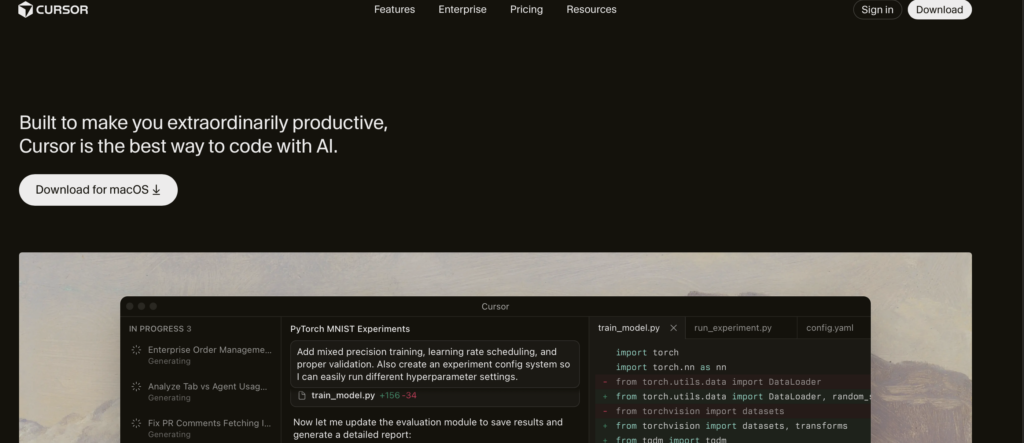
Description: Cursor is an AI-first code editor built from the ground up with AI assistance in mind. It offers advanced code completion, chat-based coding, and codebase understanding.
Pricing: Free tier available; Pro at $20/month
Pros:
- Purpose-built for AI-assisted coding
- Natural language code generation
- Understands entire codebase context
- Chat interface for code questions
- Multi-file editing with AI
- Fast and responsive
- Privacy-focused options
Cons:
- Newer tool with smaller community
- Requires learning new editor
- Pro features needed for heavy use
- Limited integrations compared to VS Code
- Still developing ecosystem
- Free tier has usage limits
3. Tabnine
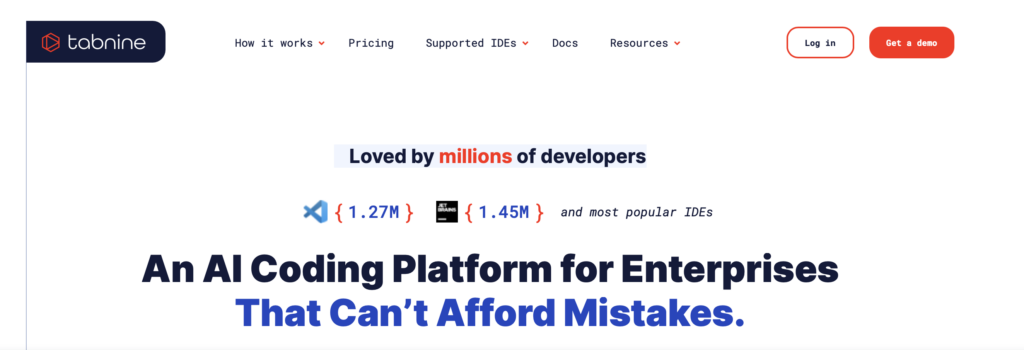
Description: Tabnine is an AI code completion tool that runs locally or in the cloud. It offers privacy-focused AI assistance that can be trained on your team’s codebase.
Pricing: Free tier available; Pro at $12/month
Pros:
- Privacy-focused with local model option
- Can train on private codebase
- Supports all major IDEs
- Fast code completion
- Team collaboration features
- Compliance-friendly for enterprises
- Works offline with local models
Cons:
- Less sophisticated than some competitors
- Smaller suggestions than Copilot
- Learning period for custom models
- Free tier is limited
- Requires setup for best results
- Premium features costly for teams
4. Reptil AI
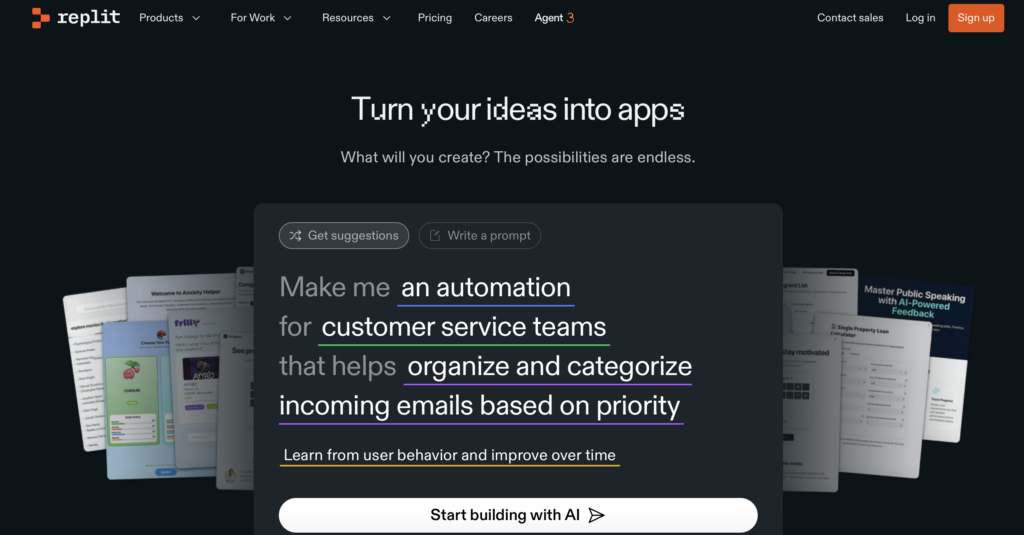
Description: Replit’s AI features are built into their collaborative online IDE. It offers code generation, explanation, and debugging within a browser-based development environment.
Pricing: Free tier available; Hacker plan at $7/month
Pros:
- Complete development environment in browser
- No setup required
- AI chat for code assistance
- Collaborative coding features
- Instant deployment
- Educational and beginner-friendly
- Supports many languages and frameworks
Cons:
- Limited to Replit environment
- Performance varies with connection
- Less powerful than desktop IDEs
- Free tier has resource limits
- Not ideal for large-scale production apps
- AI features require paid plan
5. Amazon CodeWhisperer
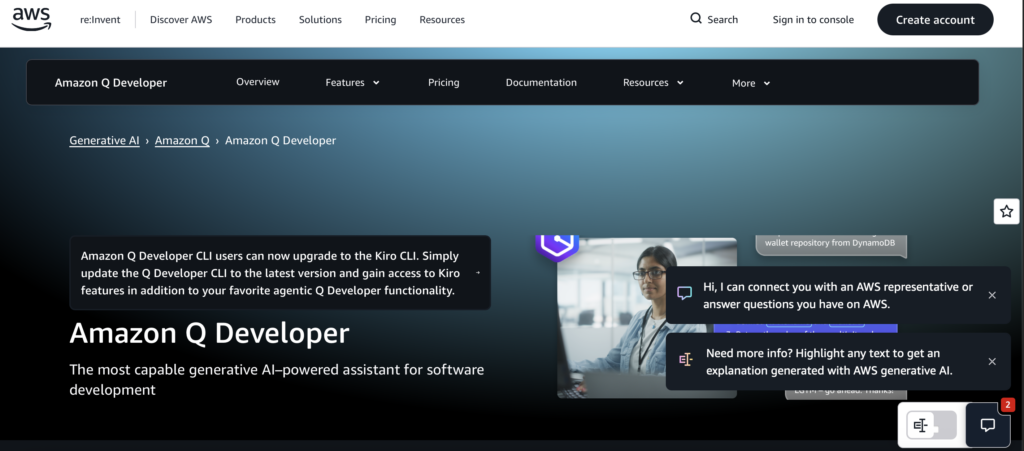
Description: Amazon’s AI coding assistant integrates with major IDEs to provide code suggestions, security scanning, and reference tracking. It’s optimized for AWS services and common frameworks.
Pricing: Free tier available; Professional at $19/month
Pros:
- Free tier for individual use
- Built-in security scanning
- Reference tracking for suggestions
- Optimized for AWS development
- Supports popular languages and IDEs
- No credit card required for free tier
- Enterprise-ready features
Cons:
- Less sophisticated than GitHub Copilot
- Best for AWS-centric development
- Smaller training dataset
- Limited language support compared to competitors
- Newer to market
- Professional tier pricing comparable to competitors
Key Differences Summary
AI Website Builders are best for:
- Quick website launches without coding
- Small businesses and entrepreneurs
- Marketing landing pages
- Users who want finished products fast
No-Code Platforms are best for:
- Custom web applications and tools
- Users willing to invest time learning
- Building MVPs and prototypes
- Projects needing specific functionality
AI Coding Assistants are best for:
- Professional developers
- Custom, complex applications
- Full control over code and infrastructure
- Long-term, scalable projects
How Founders Use AI to Build Faster
Landing pages built in ten minutes enable rapid testing of messaging and offers. Founders describe their value proposition and target audience in natural language prompts. The AI generates complete pages ready for traffic within minutes rather than days.
AI-generated pricing pages present complex options clearly and persuasively without design expertise required. AI-written product pages communicate features, benefits, and differentiation effectively without copywriter costs. AI-enhanced e-commerce builds create complete online stores with product catalogs and checkout flows.
These applications demonstrate how custom website development with AI accelerates time-to-market dramatically. The speed advantage allows testing multiple approaches before competitors launch their first version.
How Agencies Use AI to Build at Scale
Multi-tenant website systems allow agencies to deploy client sites rapidly across their portfolio. AI-powered sitemaps optimize information architecture for usability and SEO automatically without manual planning. Automated CRO experiments run continuously across client portfolios without manual oversight required.
Instant multi-language versions expand client reach internationally without translation delays or costs. These agency applications demonstrate enterprise-scale efficiency gains from AI website development approaches. Working with a professional branding agency ensures proper implementation while leveraging AI capabilities effectively.
The Future of Websites Is AI-Built and AI-Optimized
AI website builders have matured from experimental novelty to production-ready tools delivering real business value.
Those who delay face increasing difficulty competing against AI-native organizations moving faster with fewer resources. Successful implementation requires expertise spanning technology selection, strategic planning, and execution quality consistently. Working with experienced website building agency partners accelerates this journey while avoiding costly mistakes.
Azarian Growth Agency specializes in deploying AI-native websites that deliver measurable business outcomes consistently. Our team combines deep marketing expertise with technical AI implementation capabilities for comprehensive solutions.
We understand that websites must serve business objectives first while leveraging technology as an enabler. This perspective ensures every decision contributes to revenue growth and competitive positioning over time.
Our comprehensive approach includes social media marketing integration, content marketing optimization, and full-stack AI marketing agency services. We build websites that don’t just exist online but actively drive business growth through intelligent design.
Ready to transform your digital presence with an AI-powered website that converts visitors into customers?
Partner with us to build a custom solution that scales with your business and delivers measurable ROI from day one.

